Your time. Reclaimed.
Explore everyday automations on the web. Build skills through short challenges and personal learning points on your phone.
One account.
Two ways to learn.
The same Scalia account keeps your saved learning progress across both experiences.
Explore on the web
Choose a useful goal, then follow the compatible setup on Mac or Windows. Review a redacted screenshot with AI and ask for help about your current step.
Practise on your phone
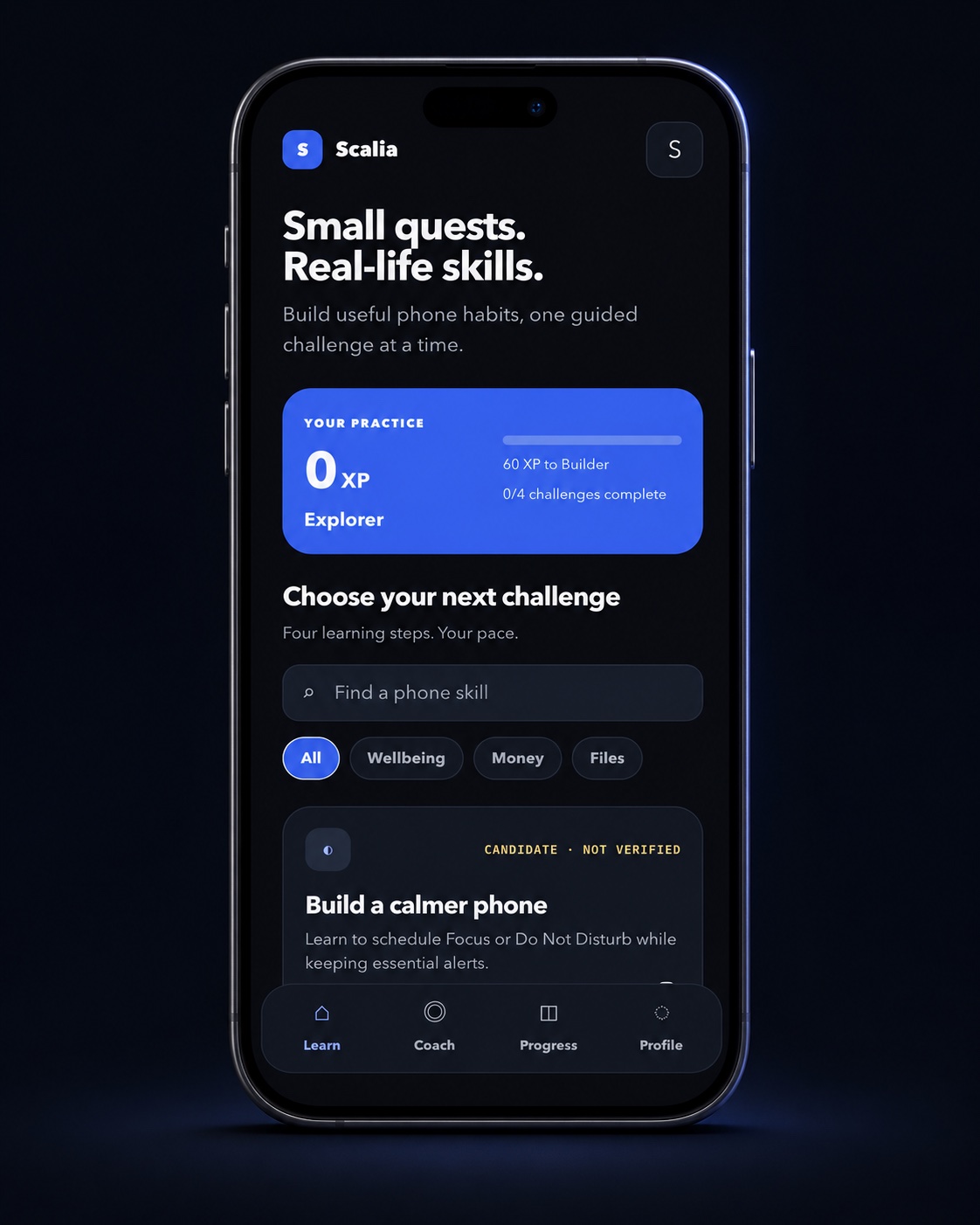
Use your phone beside your computer, or build a supported iPhone or Android routine. Practise with quizzes, keep a learning journal and challenge an accepted friend in a private duel.
Ask Scalia and image reviews use real AI through Groq after your consent. AI can be mistaken; learning points do not certify a working automation. The iPhone visual is an illustrative development mockup.
Choose a guide, check each step on your device, and save your learning progress to your Scalia account. Open the Scalia app (new tab) — use the same account, or try the local file Lab without signing in. Loading your workspace…Your Scalia workspace.